In Codex
Use ChatCut's Old Photo Restoration to colorize grandpa-army.jpg. The uniform was olive green and the car was dark red. Show me the estimate first.
Upload a black-and-white or faded photo and get it back in natural color. Add what you remember, like a blue dress, and ChatCut uses it.
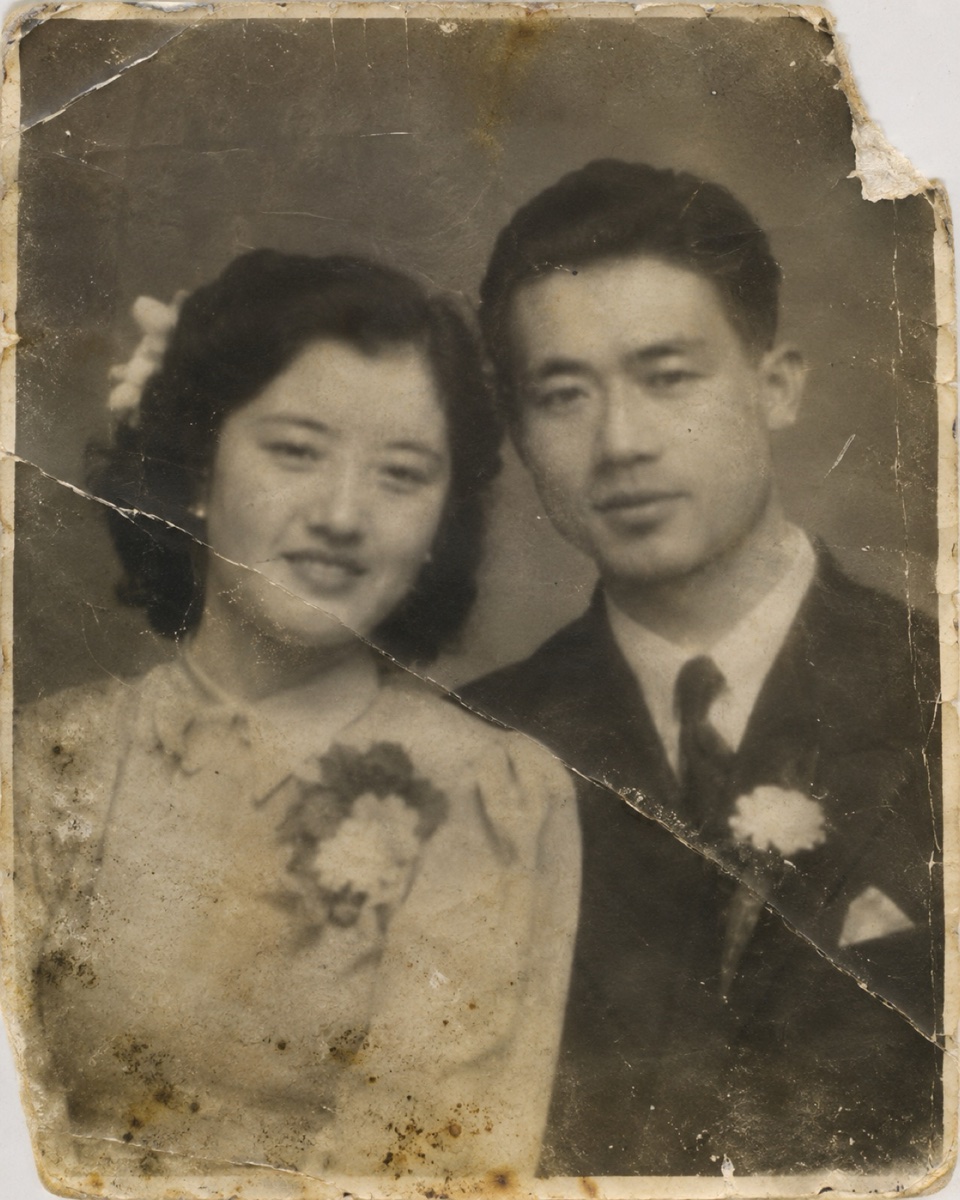 1940s couple, scratched
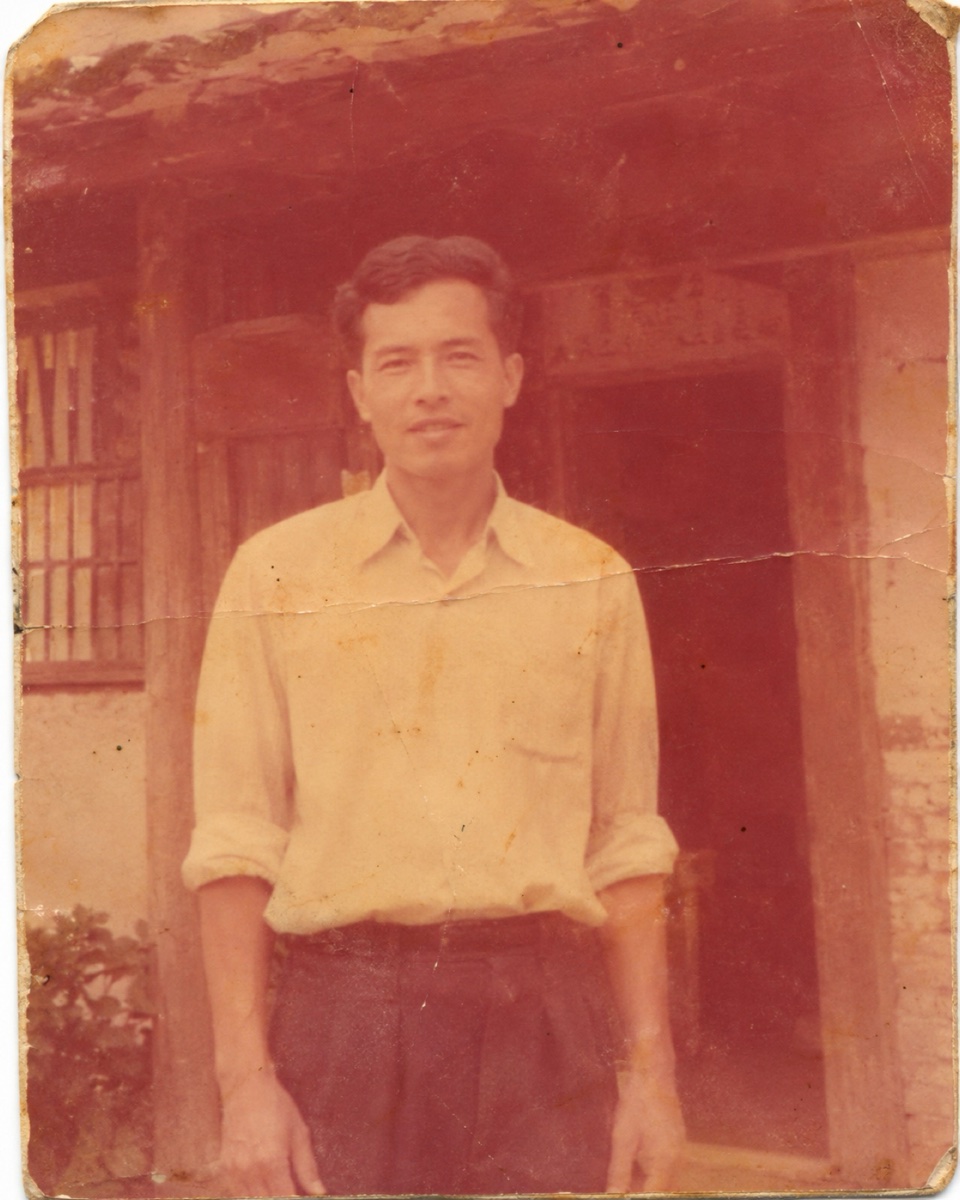 1960s faded color
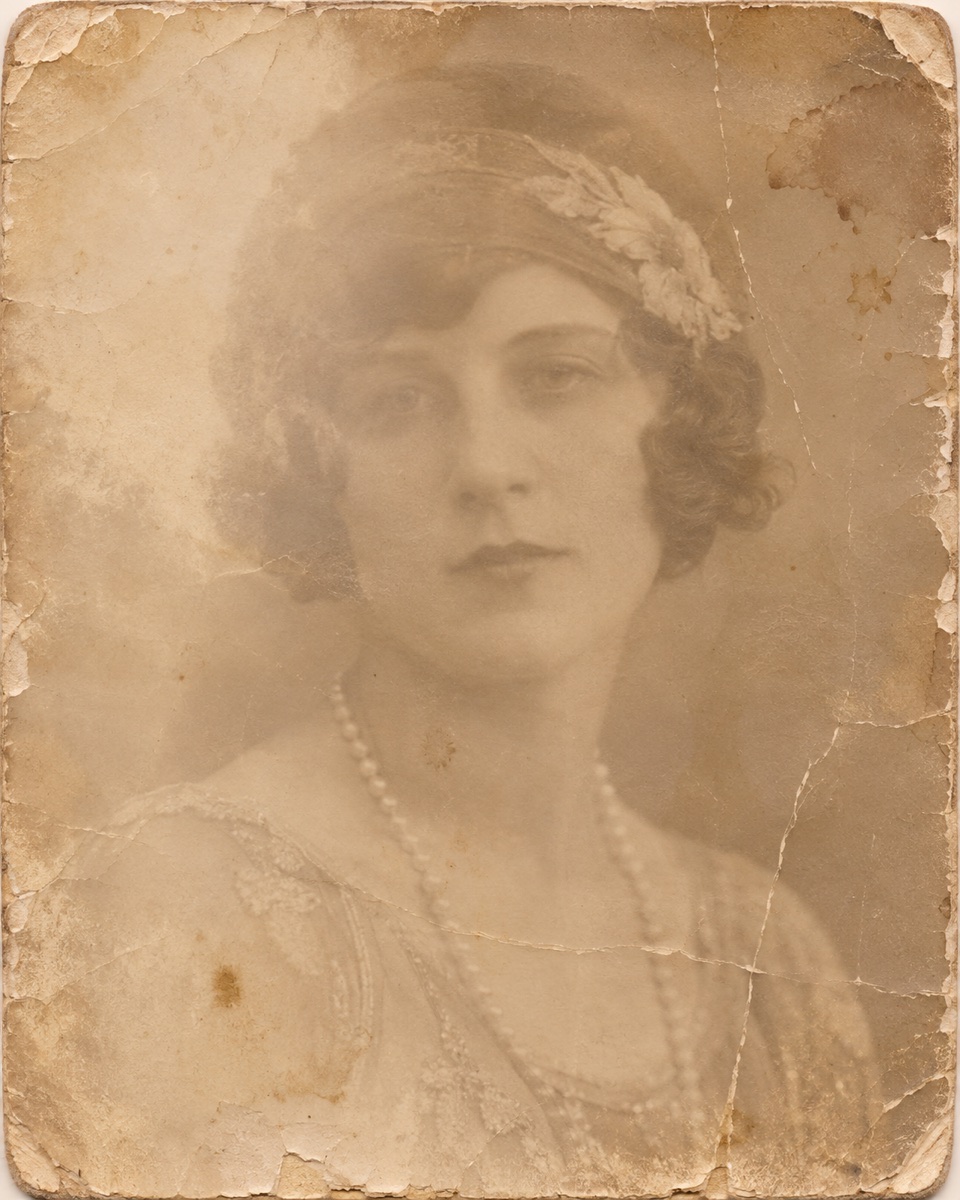 1920s sepia portrait
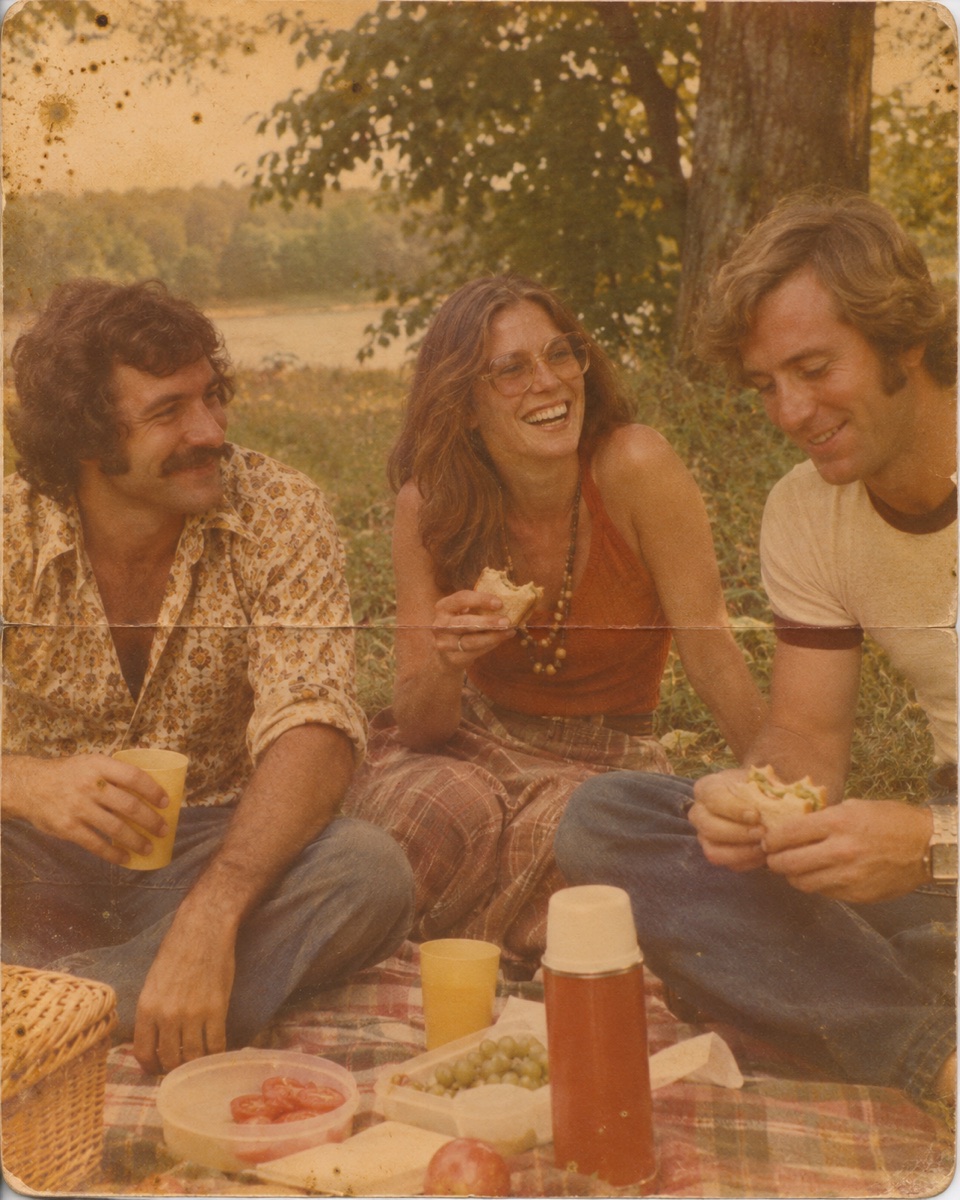 1970s picnic snapshot







Trusted by 400,000+ creators
Natural skin, hair, clothes and skies, guided by what you know.
Skin tones, hair, fabric, wood and sky get soft, period-appropriate color instead of a tinted look.
Type "her dress was light blue" or "the uniform was olive green" and that color is used.
Switch to restore and colorize to remove scratches, creases and stains before the color goes on.
For an old color photo that has turned orange or pale, colorizing brings back normal color.
A scan of the print and a few hints are all it takes.
Upload a scan or a phone photo of the print, or try one of the samples.
Colorize is already selected. Add the colors you know, and choose whether to animate the result.
Check the estimate, compare the color version with the original, and download it.
Faces and places people only ever saw in gray.
See grandparents' wedding or graduation photos in color for the first time.
Print a colorized portrait for a birthday, an anniversary or a family reunion.
Add color to photos in a family tree or a memory book, noting that colors are an estimate.
Connect ChatCut in Codex or Claude Code and send the photo with any color hints.
In Codex
Use ChatCut's Old Photo Restoration to colorize grandpa-army.jpg. The uniform was olive green and the car was dark red. Show me the estimate first.
In Claude Code
Use ChatCut to restore and colorize family-1958.png, then make a short clip with a gentle blink and smile.
Also on Grok and Antigravity. See all plugins.
Sharpen it, put several colorized photos in a slideshow, or animate one into a short clip in the same ChatCut project.
100+ Skills. No experience needed. Start in one click.
Unlock member features, models, and export allowances. Get more credits every month
Billed annually · $252
16% offBilled annually · $456
24% offBilled annually · $864
28% offBilled annually · $1692
30% off$0No credit card required
Some features are completely free in Codex, Claude, and WorkBuddy. Learn More
| Credits per month | Monthly | Annual |
|---|---|---|
| Starter · 100 credits / month | $25/month Billed monthly | $21/month $252 · Billed annually |
| Plus · 200 credits / month | $48/month Billed monthly | $38/month $456 · Billed annually |
| Pro · 400 credits / month | $92/month Billed monthly | $72/month $864 · Billed annually |
| Max · 800 credits / month | $180/month Billed monthly | $141/month $1692 · Billed annually |
| Max · 1,200 credits / month | $270/month Billed monthly | $211/month $2532 · Billed annually |
| Max · 2,000 credits / month | $450/month Billed monthly | $351/month $4212 · Billed annually |
No. They are AI's best guess from the photo, not historical research. Add hints for the colors you know and they'll be used.
Yes. Choose restore and colorize to repair scratches, creases and stains first, then add color.
Yes. For a color print that has faded or turned orange, colorizing brings back normal colors.
No. Only color is added; features, expressions and ages stay as they were.
Optionally, with a gentle blink and smile or a slight head turn. It's an AI-made motion, not real footage, and isn't offered for photos of children or well-known public figures.
Colorizing uses credits, and restoring or animating adds more. Generation needs a paid plan, and you see the estimate before it runs.
See also: Image to video · Image generation
AI apps
Convert & compress
Edit video
Audio & voice